
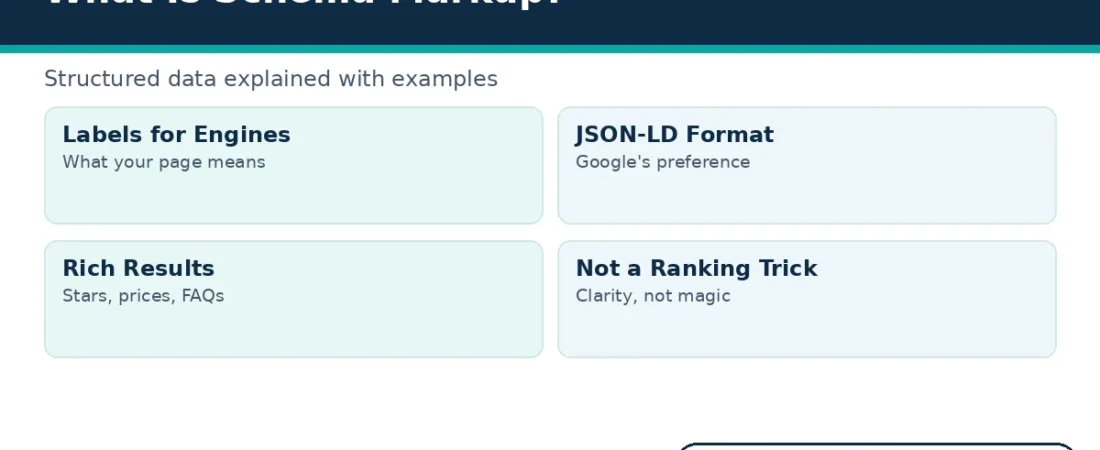
Schema markup is a small block of code that labels what your page means. For example, it can tell Google that one line is a price and another line is an author. It can also mark a third block as a set of instructions. This guide explains schema markup in plain words and shows you how to add it safely.
You do not need to be a developer to follow along. First, you will learn what this code can and cannot do. Next, you will meet the types most websites need and study two worked examples. Finally, you will follow five simple steps to add and test your own markup.
The guide uses one small fictional bakery in its examples. That choice keeps every value easy to follow. You can then swap in your own business details when you write your first block.
What Schema Markup Is
Schema markup is structured data written in a shared vocabulary. The vocabulary lives at Schema.org, a reference site that the major search engines created together. Each term in that vocabulary names a thing, such as a product, an event or a recipe.
Without labels, a search engine must guess what your words mean. A number on the page might be a price, a rating or a phone number. However, clear labels remove that guesswork, because the code states the meaning directly.
Search engines then reuse those labels in several places. They help build knowledge panels about a business. They also help match a page to a narrow question, such as a price check or an opening hours query. In short, the labels turn loose text into tidy facts.
Readers never see this code on the page itself. Instead, it sits inside the page source, where search engines read it during a crawl. The visible page stays exactly the same.
Think of each block as a set of name tags. One tag gives the name of a thing, and the next tags list its properties. A product tag, for instance, carries properties for price, currency and stock. Together, the tags describe the page in a language machines read without guessing.
What Schema Markup Can and Cannot Do
Good markup makes your page eligible for rich results. These are the enhanced listings that show star ratings, prices, cooking times or expandable questions. Also, the labels help engines connect your page to the right searches.
Now for the honest limit. Schema markup does not act as a direct ranking boost. Google explains in its structured data introduction that markup creates eligibility, not a promise. A marked up page can still rank below a plainer page with stronger content.
So why bother at all? A richer listing often earns more attention and more clicks from the same position. Clearer meaning also helps engines match your page to precise questions.
Newer answer tools raise the stakes further. AI assistants read pages and pull out facts they can quote. Labelled facts are easier to lift accurately than facts buried in loose prose. That benefit stays secondary, yet it grows more relevant each year.
There is also a quieter benefit for your own team. Writing the labels forces you to check the facts on the page. Prices, dates and opening hours must match everywhere. Many sites find small errors during that check and fix them for readers too.
The Three Formats Search Engines Accept
Google recommends JSON-LD for most sites. JSON-LD is a small script block that sits apart from your visible text. Because it stays separate, you can edit the data without touching the page design.
Microdata takes a different route. It weaves extra attributes into the HTML tags around your visible content. RDFa works in a similar way and appears on some older platforms.
All three formats use the same vocabulary. Therefore, the format matters less than accuracy: your schema markup must describe what the page truly shows.
Free helpers can draft a first block for you. Google offers a markup helper, and several generators exist online. Still, always check the output line by line, because a helper cannot know which facts your page actually shows.
Maintenance also differs between the formats. With JSON-LD, you update one tidy block when a price changes. With microdata, the same fact may sit inside several tags across the page. For a busy site, that difference saves real time each month.
Schema Markup Types Most Websites Need
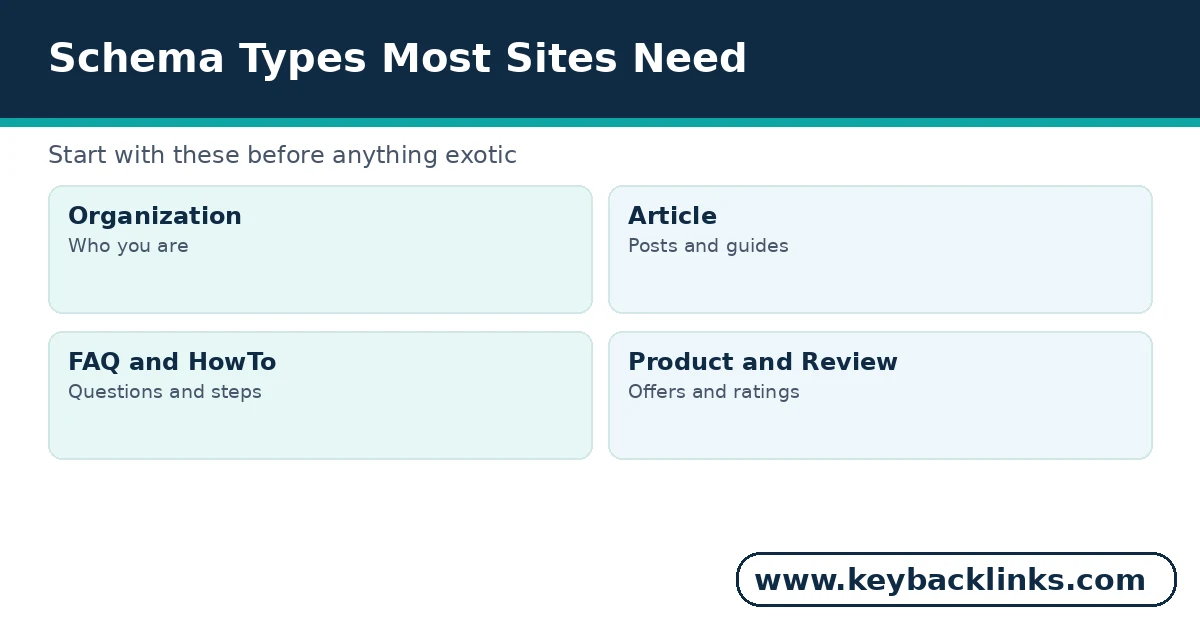
You do not need every type in the vocabulary. Most websites need only a handful, and the right set depends on the page. Start with the types below and add more only when a page genuinely matches.
Organization
Organization markup names your business, your logo and your contact routes. It usually sits on the home page, and it helps engines tell your brand from similar names. Many sites add it once and then rarely touch it again.
Article
Article markup labels a news story or blog post. It states the headline, the author and the publish date in a form engines can trust. It can also name the publisher and the main image.
FAQ
FAQ markup wraps a question and its answer in a clear pair. Google now shows FAQ rich results mainly for government and health sites. Still, the markup clarifies your content for every reader tool.
HowTo
HowTo markup labels step by step instructions. It lists each stage in order, with the tools and the time the task needs.
Product
Product markup states a product name, its price and its stock status. It also carries offer details, such as the currency and the seller. Shops gain the most here, because price checks drive many searches.
Review
Review markup attaches a rating to a product, book or course. The rating must come from real customers, and the reviews must appear on the page. An average score should reflect those visible reviews honestly.
LocalBusiness
LocalBusiness markup gives a local firm a machine readable identity. It covers the address, the phone number and the opening hours. Subtypes exist for many trades, from dentists and plumbers to bakeries and cafes.
BreadcrumbList
BreadcrumbList markup labels the trail that leads to a page. Search results can then show that neat path instead of a raw address.
The table below sums up where each type belongs and what it can unlock.
Notice one pattern in that table. Every possible display depends on content that visitors can already see. Markup describes the page; it never invents extra content.
So how many types should one site run? A small site often needs only three or four. A shop with a blog and local pages may need seven or eight. The page decides the count, never the other way round.
Two Worked Schema Markup Examples
Examples make the idea concrete. Both examples below describe Willow Lane Bakery, a small fictional bakery invented for this guide. Its questions, address and details are made up, so never copy them onto a real site.
Read each block slowly and match it against the bakery details above it. Notice three habits as you read. Every value is short, every fact appears on the page, and nothing reaches beyond the business itself. Those habits matter more than any clever extra field.
An Organization Example
This first block tells engines who the business is.
{ “@context”: “https://schema.org”, “@type”: “Organization”, “name”: “Willow Lane Bakery”, “url”: “https://www.willowlanebakery.com/”, “logo”: “https://www.willowlanebakery.com/logo.png”, “email”: “hello@willowlanebakery.com”, “telephone”: “+1-503-555-0142”, “address”: { “@type”: “PostalAddress”, “streetAddress”: “418 Willow Lane”, “addressLocality”: “Portland”, “addressRegion”: “OR” } }
Notice how plain the values are. The name, the address and the phone number match what a visitor would find on the bakery contact page. That match matters more than clever code.
An FAQPage Example
This second block labels two questions from the bakery cake page.
{ “@context”: “https://schema.org”, “@type”: “FAQPage”, “mainEntity”: [{ “@type”: “Question”, “name”: “Do you bake gluten free bread?”, “acceptedAnswer”: { “@type”: “Answer”, “text”: “Yes, every morning, in a separate corner of the kitchen.” } }, { “@type”: “Question”, “name”: “Can I order a birthday cake online?”, “acceptedAnswer”: { “@type”: “Answer”, “text”: “Yes. Order two days ahead and collect it in store.” } }] }
Both questions also appear as visible text on that page. If a question exists only in the code, the markup breaks Google rules and the rich result can vanish.
You can also combine types inside one page. For instance, the bakery cake page could carry both the FAQ block and a breadcrumb block. Each block stays separate, and each one describes a different part of the same page.
How to Add Schema Markup in Five Steps
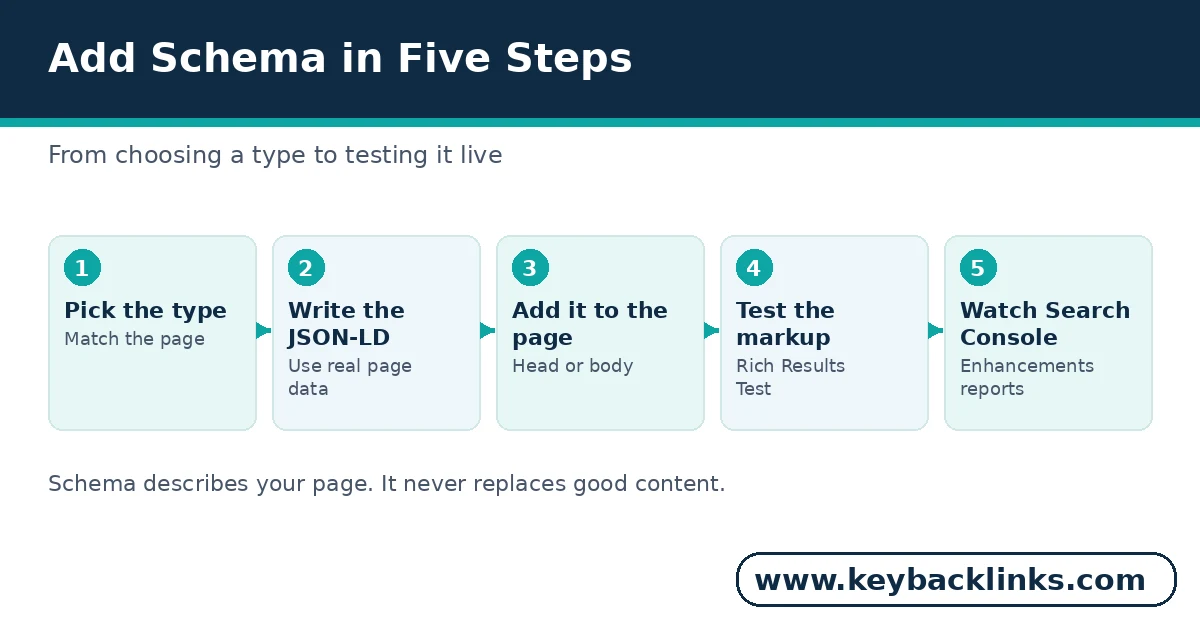
You can add your first block in one sitting. Follow these five steps in order, and test before you celebrate.
Step 1: Choose the Type That Matches the Page
Start from the page, not from the display you want. Read the page and ask what it truly is: a product, an article or a set of questions. Only then pick the matching type.
Step 2: Write the JSON-LD With Real Page Data
Fill each field from the page itself. Use the exact name, price and dates that visitors see. If a fact does not appear on the page, leave that field out.
Step 3: Add the Block to the Page
Paste the script block into the page head or body. Most WordPress sites can add it through a theme setting, a plugin or a simple block. Then save the page and view it once as a visitor.
Step 4: Test It With the Rich Results Test
Next, run the page through Google Rich Results Test. The tool lists the types it found and flags errors in plain language. Fix every error, then test the page again.
Step 5: Watch the Search Console Reports
Finally, open the Enhancements reports in Google Search Console each week. They show which pages carry valid markup and which ones developed problems. Treat new warnings early, before they spread across templates.
Most owners finish all five steps for one page in under an hour. After that, the routine becomes a template for the rest of the site. Start with your busiest pages, because they gain the most from clearer labels.
Common Schema Markup Mistakes
Most markup problems come from good intentions and rushed work. Watch for these four mistakes on your own site.
Marking Up Content Readers Cannot See
Some owners hide extra facts inside the code to look richer. However, Google requires marked up content to appear on the visible page. Hidden markup can lose eligibility and, in bad cases, draw a manual action.
Adding Fake Review Stars
Review stars tempt many site owners. A business cannot mark up its own testimonials to earn stars, because Google treats that self serving markup as spam. Only genuine, independent reviews on the page qualify.
Copying a Competitor Word for Word
A rival block may name the wrong business, the wrong prices and the wrong dates. Worse, copied markup often describes content your page does not have. Always write your own block from your own page.
Putting Every Type on Every Page
More types do not mean more benefit. A blog post rarely needs Product markup, and a home page rarely needs a recipe. Extra types add errors and confusion, so keep each page lean.
One habit prevents all four mistakes. Before you publish, read the page as a visitor, then read the block. If the two disagree anywhere, fix the block or remove it. That two minute check protects your eligibility.
Where This Fits in Your Wider SEO Work
Markup is one part of technical SEO, not a stand alone fix. It works best on pages that already load well, read clearly and answer a real search. Our guide to technical seo services shows where structured data sits inside that wider technical work.
It also works beside the links that point at the page. Strong pages earn clearer labels and better links together. Meanwhile, the audit habit from the steps above keeps both layers healthy.
Budget the work in that order too. Fix crawl errors and broken pages first, because labels cannot help a page that engines cannot reach. Then improve the content, and only then add the finishing labels.
It also pairs closely with the words on the page itself. Headings, titles and internal links tell the same story in visible form. Our on-page seo page explains how those visible signals support the labels behind the scenes.
So treat markup as the finishing layer. First build a sound page, then label it with care.
Frequently Asked Questions
Does schema markup lift my rankings on its own?
No. The markup makes a page eligible for richer displays and clearer understanding. Rankings still depend on content quality, links and the page experience. Expect better presentation, not a guaranteed jump. A page must earn its position first.
Can one page carry several types at once?
Yes, when each type matches visible content. A product page might carry Product, Review and BreadcrumbList markup together. Add a type only when the page truly contains that information.
Do I need a plugin or a developer?
Not always. Many owners paste hand written JSON-LD into a page setting or a reusable block. Plugins can generate the common types for you. Either way, test the result before you rely on it.
How soon will a rich result appear?
There is no fixed timeline. Google must recrawl the page, validate the markup and then choose to show the enhancement. Some pages gain a rich result within weeks, while others never do. The Search Console reports tell you whether the block itself is valid.
Conclusion
Schema markup is a labelling job, done once and checked with care. Choose the types your pages honestly match. Write the data from the page itself, and test every block before you trust it. The reward is eligibility for clearer, richer results, not a shortcut up the rankings.
If your pages need that technical layer and you would rather not handle code, our team can help. Request a free quote and tell us which pages matter most, and we will review the technical gaps first.