
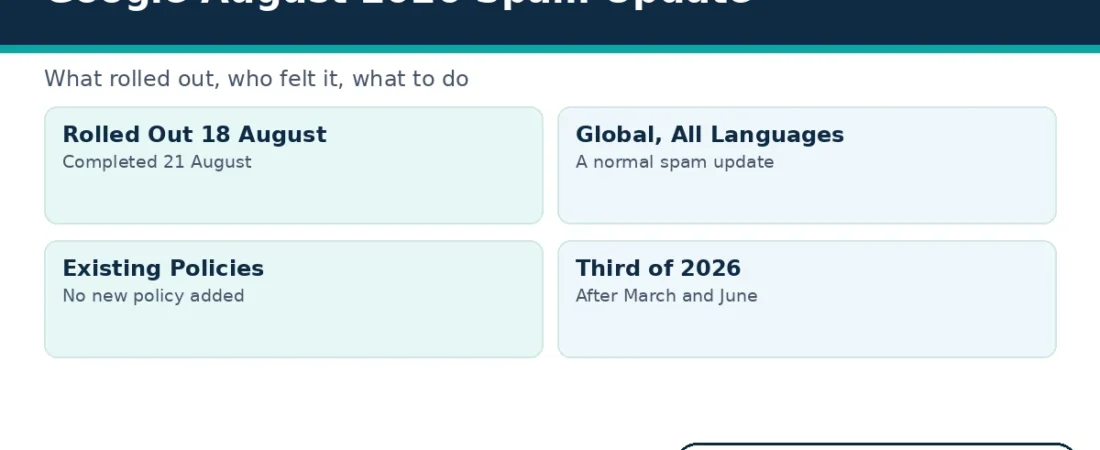
The google august 2026 spam update began on 18 August 2026 and finished on 21 August 2026. Google logged the rollout on its Search Status Dashboard, and the full run took 2 days and 16 hours.
This explainer sticks to what Google itself has published. First, you get the confirmed facts in one table. Next, you learn what a spam update actually enforces. Finally, you get five calm steps for checking your own site.
The Google August 2026 Spam Update at a Glance
Google records every confirmed update on its Search Status Dashboard. The entry for this update lists the start, the finish and the scope in plain terms. You can check that record yourself instead of trusting second-hand summaries.
Also, note one detail that many summaries skipped. Google described this as a normal spam update, not a special event. In other words, it enforced rules that were already published and already in force.
What a Spam Update Actually Is
A spam update is a change to Google’s automated spam-fighting systems. Google runs them to enforce its published spam policies. The systems look for pages and practices that break those rules, and they reduce the visibility of what they find.
A spam update is not a core update. Core updates rework broad ranking systems, and they can move clean sites up or down. Spam updates, by contrast, target rule-breaking behaviour, so their effects point in one direction.
A spam update is also not a manual action. A manual action comes from a human reviewer, and it leaves a message inside Search Console. A spam update leaves no message at all, which is why careful date-matching matters so much.
The google august 2026 spam update followed that standard pattern exactly. It was an algorithmic enforcement run, announced on the dashboard, with no human review of individual sites.
Google confirms each rollout on the dashboard as it happens. The entry shows when the rollout started and when it finished. That public record is the first source to check whenever your traffic moves.
What the Google August 2026 Spam Update Enforced
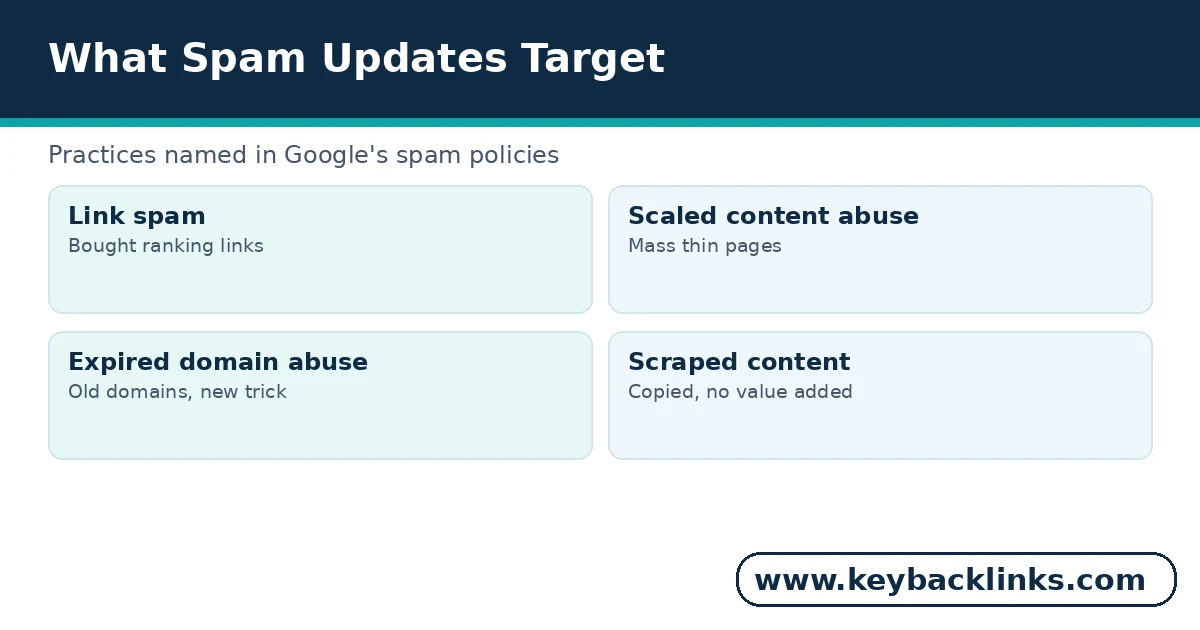
Google attached no new policy to this rollout. Instead, the update strengthened enforcement of rules that already existed. Four practice areas sit at the centre of those rules.
Link Spam
Link spam means building links mainly to manipulate rankings. Bought links that pass ranking value, large-scale link exchanges and automated link schemes all fall under this heading. Paid placements stay within the rules only when they carry rel=”sponsored” or rel=”nofollow”.
Scaled Content Abuse
Scaled content abuse means publishing many pages mainly to rank, with little original value. The pages often come from automation, scraping or spinning. Each page targets a slightly different phrase, yet none of them truly helps a reader.
Expired Domain Abuse
Expired domain abuse means buying an old domain for its leftover authority. The buyer then fills it with unrelated content that trades on the domain’s past reputation. Google treats that mismatch as manipulation, not as a fresh start.
Scraped Content
Scraped content means copying other sites and republishing their work as your own. The copies add no new insight, no new data and no new experience. Sometimes the scraper even copies search results pages themselves.
Who Feels a Spam Update and Who Does Not
Sites that rely on the practices above feel spam updates most. A link scheme, a mass-produced content library or a repurposed expired domain can lose visibility quickly. Sometimes the drop lands only on the exact pages that broke the rules.
Clean sites usually notice nothing at all. If your content is original and your links are earned, a spam update has little to act on. You may even gain ground, because demoted competitors leave space behind them.
Borderline sites sit in between. A mostly honest site with one bought link package can lose the benefit of those links. The rest of the site usually keeps its ground, so the pattern looks patchy rather than total.
Also, remember that visibility losses can be partial. One section of a site may fall while the rest holds steady. That partial pattern is common, because the systems judge pages and practices, not reputations.
However, normal traffic wobbles still happen during any rollout. A small dip inside the rollout window does not prove a penalty. Therefore, check the dates and the pattern before you react.
How to Tell Whether Your Site Was Affected
Start with your own data. Open Search Console and compare the rollout window, 18 to 21 August, with the weeks around it. A sharp drop that starts inside the window and stays down deserves a closer look.
Next, check the manual actions report in the same tool. If a human reviewer acted against your site, you will see a message there. If the report is empty, any drop is algorithmic, and a spam update becomes one possible cause.
Then look at which pages fell. Losses concentrated on thin, copied or heavily linked pages point toward the spam systems. Losses spread evenly across strong pages point elsewhere, such as a core update or a technical fault.
Example: a store sees clicks fall sharply from 19 August, the manual actions report stays empty, and only its mass-produced location pages lose ground. That pattern fits a spam update far better than a core update.
Keep notes as you check. Write down the drop dates, the pages affected and anything you changed recently. Clear notes stop you from fixing the wrong thing later.
Five Calm Steps After the Google August 2026 Spam Update
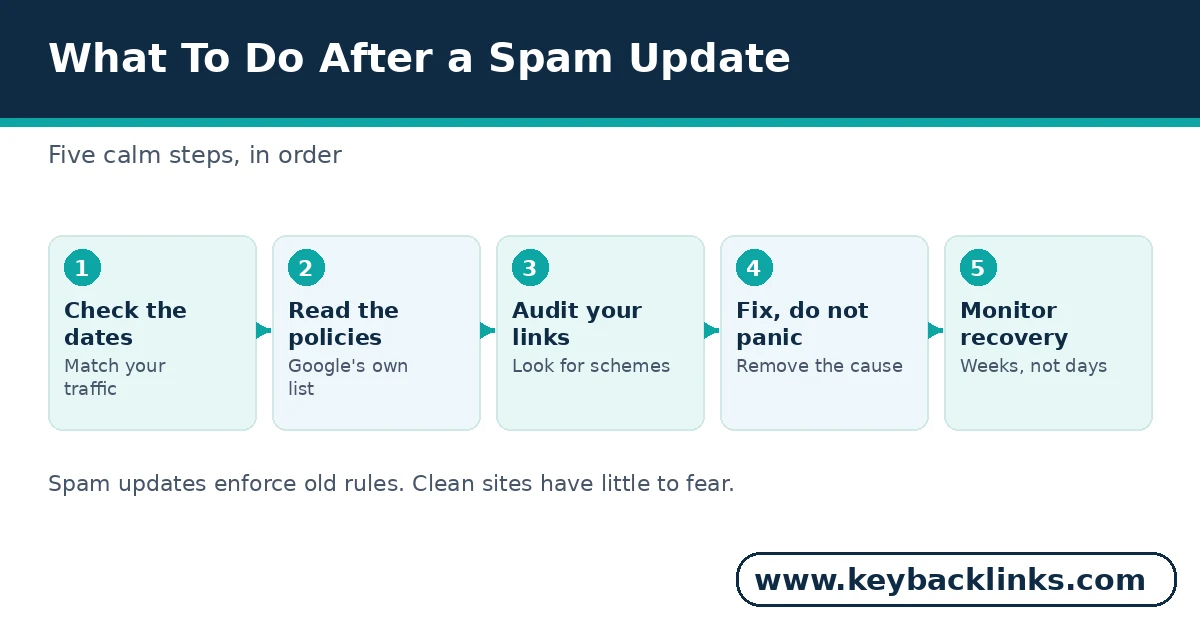
Work through these five steps in order. Each step narrows the diagnosis before you spend effort on fixes.
1. Confirm the dates first. Match your traffic change to the rollout window before you change anything. A drop that began earlier or later has a different cause.
2. Read Google’s spam policies. Compare your site honestly against each practice area, from link schemes to scaled content. Most owners can spot their own risk areas within one careful read.
3. Audit your links and content. List bought placements, thin pages and copied sections in one document. Our guide on whether backlinks still matter explains which links help and which ones hurt.
4. Fix the cause itself. Remove or repair the problem instead of hiding it behind new pages. Our guide on how to remove bad backlinks walks through link cleanup in the right order.
5. Monitor for several weeks. Algorithmic recoveries take time, and Google often needs a later rollout to reprocess a fixed site. Judge progress across weeks and months, not single days.
What Not To Do After a Spam Update
Panic is the most common reaction to the google august 2026 spam update, and it causes real damage. First, do not disavow links in a panic. A disavow file built on guesswork can remove links that were helping you, so use it only with clear evidence of a link scheme.
Next, do not rewrite your whole site overnight. Mass changes destroy your ability to tell what actually worked. Fix the specific pages and practices that break the rules, and leave healthy pages alone.
Finally, never buy so-called recovery links. Services that promise fast recovery through fresh link packages sell the exact practice this update enforces against. You would pay good money to repeat the original problem.
Above all, avoid advice that arrives with a countdown timer. Update panic is a sales tool for scheme sellers. Your own data, checked calmly, beats every urgent pitch.
A Note on the September 2026 Spam Update
Google ran another spam update soon after this one. That rollout began on 24 September 2026 and lasted 13 days and 16 hours. So, if your traffic moved in late September, judge that window separately.
The September run also enforced existing policies rather than new ones. Its longer window simply means more days of movement to allow for in your charts.
Keeping the two windows apart matters for honest diagnosis. A drop that starts on 25 September cannot come from the google august 2026 spam update. Each update gets its own date check and its own calm response.
How KeyBacklinks Works Inside the Spam Policies
Clients asked us about the google august 2026 spam update within days of the rollout. Our answer starts with how our link work is built. We earn editorial links with useful content, and we label paid placements correctly.
We never use link networks, automated blasts or expired domain tricks. That approach is slower than the schemes above. However, it also means a spam update has nothing to punish.
If you want a link profile checked against the policies, our website SEO audit is a sensible first step. It shows you exactly where your site stands before you spend on fixes.
Frequently Asked Questions
Was the google august 2026 spam update a core update?
No. It was a spam update, which enforces Google’s published spam policies. Core updates change broad ranking systems instead. The two types also appear as separate entries on the Search Status Dashboard.
Did the google august 2026 spam update add new rules?
No. Google attached no new policy to this rollout. The update strengthened enforcement of existing rules, including scaled content abuse and expired domain abuse. Every practice it targets was already named in the published policies.
Will I see a manual action message if it hit my site?
No. Spam updates are algorithmic, so Search Console shows no message for them. Only actions taken by human reviewers appear in the manual actions report. That silence is exactly why date-matching matters.
How long does recovery take after a spam update?
There is no fixed timeline. First, you must remove the practice that broke the rules. Then Google’s systems need time, and often a later rollout, to reprocess your site. Judge progress over weeks and months, not days. Some sites recover only partly, especially where the removed practice carried much of their visibility.
Conclusion
The google august 2026 spam update changed no rules. It simply enforced Google’s existing spam policies more strongly, across every country and language, over 2 days and 16 hours.
So the response stays simple. Check your dates, read the policies, fix real problems and ignore panic advice. Sites built on original content and honest links have little to fear from any spam update. Keep the dashboard bookmarked, and check it first whenever your numbers move without warning.